Images usually cut/paste into CCB from Word correctly.
Keep in mind the file size and quality (resolution) of the image. For example, the flower photo below is actually quite large, even though the space it uses on this page is small, so it should be re-sized (optimized for web saved as a JPG, 150 dots per inch max width 750px wide 900px high if possible.)
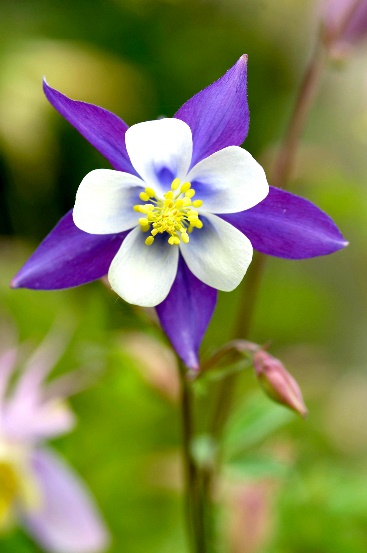
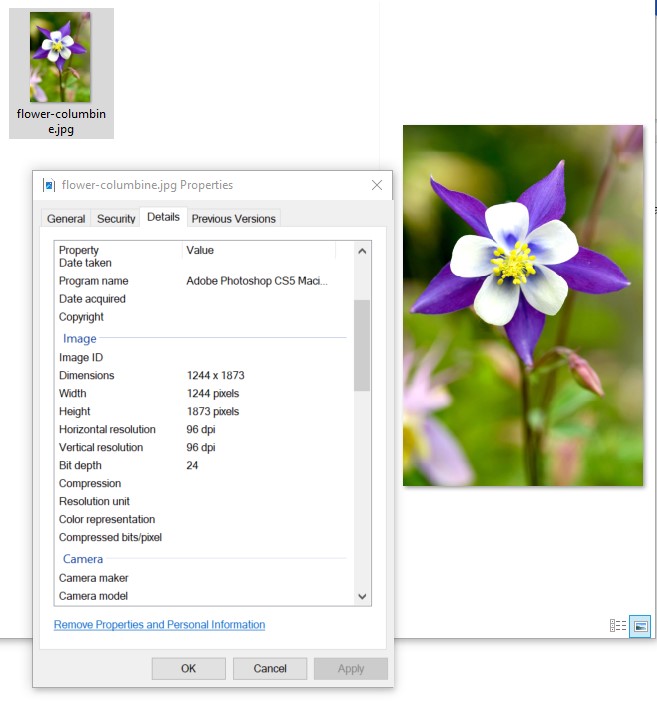
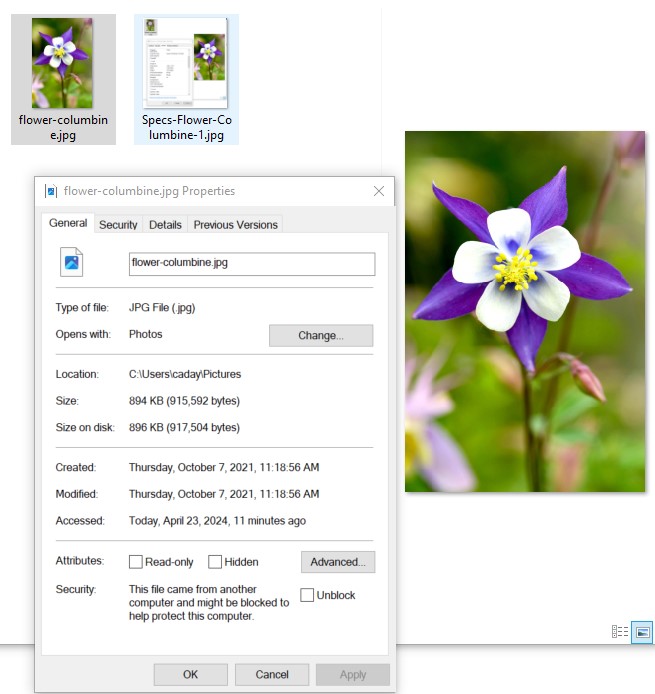
Might want to re-save the image down to 750x900 – when I did, it went down from 1MB in size to
Meditech does support Bold, Italic, lists, list indents, and images.
This is Bold.
This is Italic.
This is an “un ordered” (UL) list:
This is an “ordered” list (a,b,c 1,2,3, etc.) with an indent >>
-
One
-
Two
-
Three
However, Meditech does NOT support Tables (we convert anything in a table grid into a JPG for Meditech imports with our exporter automatically, so building in tables is okay, though Meditech cannot read/find anything in a table, because it's just an empty gray box to the computer, it can't see pictures. (yet! AI might change all that...)
Meditech also does NOT support any sort of Font Family, Font Size, Line Height, or background highlight colors of fonts, unfortunately.
Please note:
Meditech does allow each organization to dictate what the minimum font size, font face, and font colors in the EHR itself are, however, so if your demographics require larger fonts or Times Roman, etc., please let them know as they should be able to fix that on their side! We also do not control the Logo in Meditech, that's in their system too. :-)